 Documentation
 Examples
 Model API Reference
 SDK Reference
 Platform API
 Changelog

Share a chat
Click Share in the chat header, or choose Share chat from a message’s actions. fal Agent creates a share link atfal.ai/chat/share/<id>. Viewers see a read-only copy of the chat with its generations.
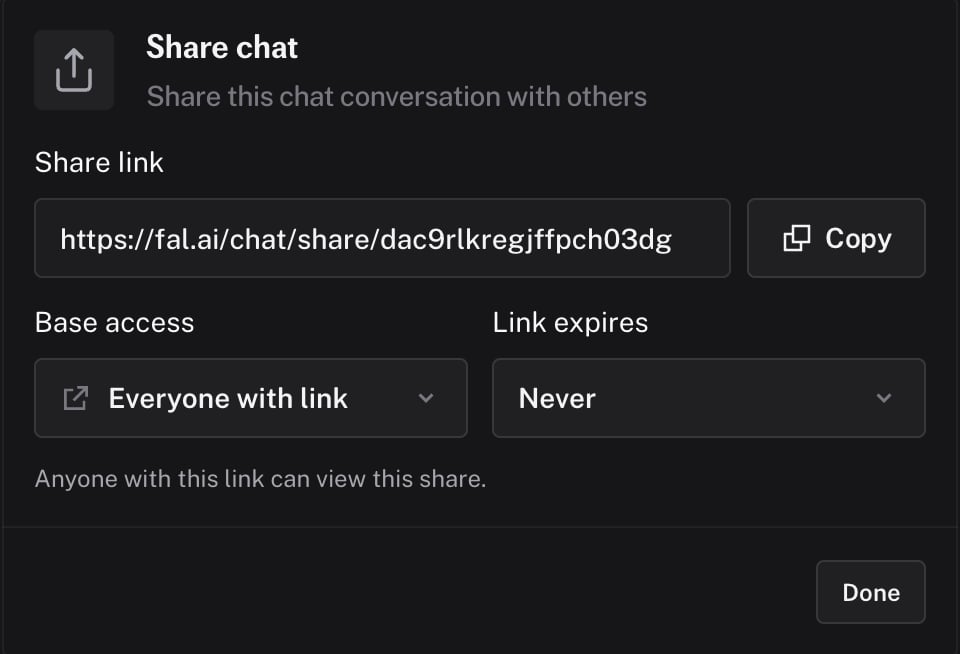
Base access
Expiry
Set the link to expire Never, In 1 day, In 7 days, or In 30 days. You can revoke a share at any time from the share dialog.Fork a chat
Hover a message from the agent to show its actions. Choose Fork from here. A new chat starts with the history up to that message. The original chat is unchanged. Use a fork to try a different direction without losing the current thread.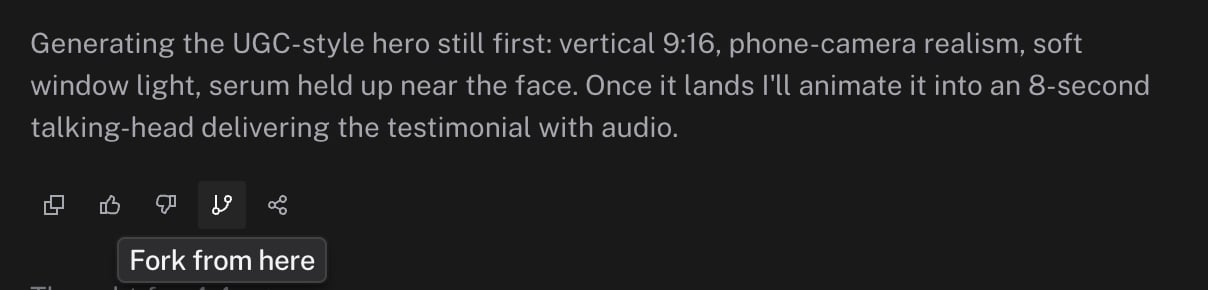
Examples
fal publishes a few example chats atfal.ai/agent/example/<slug>. They are visible to visitors who are signed out or do not have access yet, and show what a full session looks like.